Posts for: #Workflow

Clarity: AI-Powered Team Transparency Through Text

Clarity: AI-Powered Team Transparency Through Text

Distributed teams lose visibility into what everyone is doing. Managers interrupt with status requests. Developers context-switch to update multiple systems. Jira tickets don’t reflect reality. Confluence pages go stale. Git commits tell part of the story.

Clarity solves this by using AI to synthesize status from all these sources into readable text that humans actually want to read.

The Architecture

Model Context Protocol (MCP) servers pull data from Jira, Confluence, and Git into a shared context window. AI processes this nightly, generating personalized daily status reports in Markdown. Each team member reviews their pre-baked summary via chat, CLI, or any text interface. Management gets real-time access to these reports and generated dashboards.

[Read more]

FFWF: Fast Fuzzy Window Finder for macOS

FFWF: Fast Fuzzy Window Finder for macOS

macOS has a built-in window switcher (Control+F4). It’s two steps: activate the list, then select a window. It has no memory of what you searched for last. Every time you switch, you start from scratch.

FFWF (Fast Fuzzy Window Finder) solves this. Menu bar app with global hotkey. Type to fuzzy filter windows by title. Windows stay visible in the list. Use arrow keys to select. Hit Enter. Done. Remembers your last search. Works with VoiceOver.

[Read more]

Conventions That Scale: File Naming Standards in Production AI Systems

Conventions That Scale: File Naming Standards in Production AI Systems

In production AI systems processing millions of files daily, naming conventions aren’t trivial details - they’re critical infrastructure decisions. A recent incident where a junior engineer renamed all uppercase files to lowercase caused our data pipeline to miss critical configuration files for three hours. This highlighted why understanding and respecting established conventions matters.

The Power of Visual Hierarchy

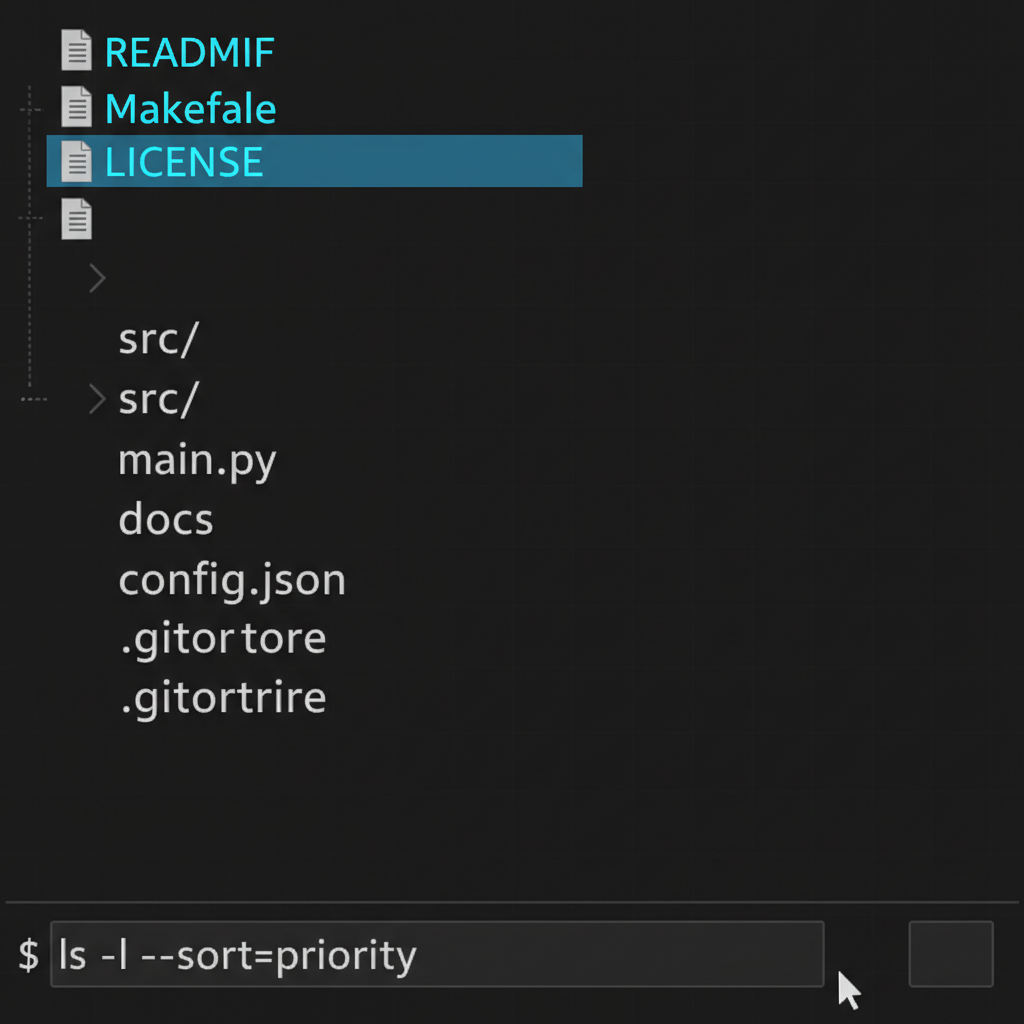
Traditional Unix systems established uppercase filenames for important files - README, Makefile, LICENSE. This wasn’t arbitrary; it leveraged the ASCII sorting order where uppercase letters precede lowercase, creating natural visual hierarchy in terminal listings.

[Read more]

Building Confidence Through Safety Nets with Git Reflog

Building Confidence Through Safety Nets with Git Reflog

Developers often hesitate to experiment with Git operations because they fear irreversible mistakes. This hesitation slows down development and prevents teams from fully leveraging Git’s capabilities. The solution isn’t to be more careful—it’s to understand and use git reflog as a fundamental safety mechanism.

Understanding Git Reflog’s Role in Development Workflows

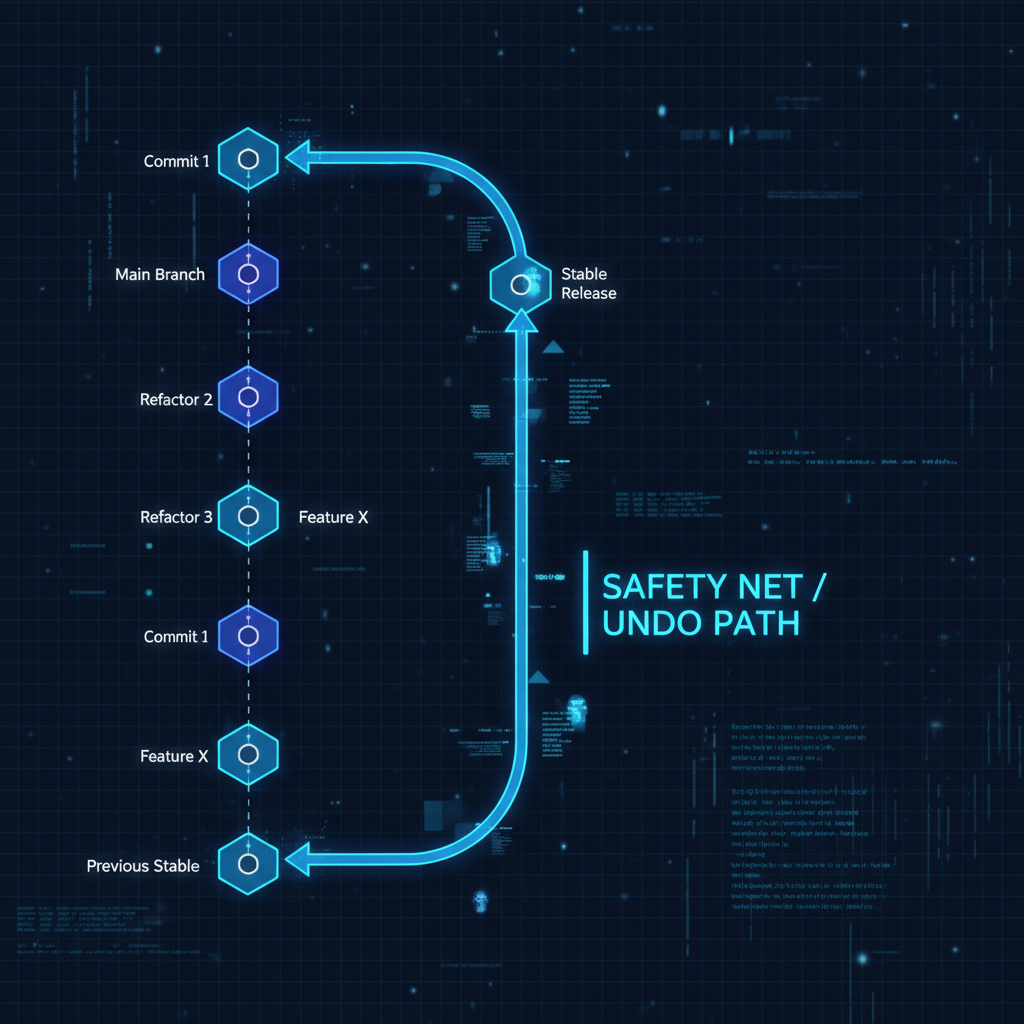
git reflog maintains a local history of every reference update in your repository. This includes commits, checkouts, resets, and rebases—essentially every action that moves HEAD or updates branch pointers. This reference log acts as a recovery mechanism, allowing you to restore your repository to any previous state within the reflog’s retention window (typically 90 days for reachable commits).

[Read more]

Prioritization in AI Product Development: The Art of Strategic No

Prioritization in AI Product Development: The Art of Strategic No

Building production AI systems requires intense focus. Every new feature, every experiment, every optimization competes for limited resources - engineer time, GPU hours, and cognitive bandwidth. The teams that ship successful products aren’t those that do everything; they’re those that master the discipline of not doing.

The Mathematics of Focus

Consider a typical AI team’s potential workload:

class ProjectLoad:
    def __init__(self):
        self.potential_projects = [
            "Implement transformer architecture",
            "Build real-time inference pipeline", 
            "Create data labeling platform",
            "Optimize model for edge deployment",
            "Develop explainability dashboard",
            "Refactor feature engineering pipeline",
            "Implement A/B testing framework",
            "Build model monitoring system",
            "Create automated retraining pipeline",
            "Develop custom loss functions"
        ]
        
    def calculate_completion_rate(self, projects_attempted):
        capacity = 100  # Team capacity units
        effort_per_project = 30  # Average effort units
        context_switching_cost = 5 * (projects_attempted - 1)
        
        actual_capacity = capacity - context_switching_cost
        completion_rate = min(1.0, actual_capacity / (projects_attempted * effort_per_project))
        
        return {
            'projects_attempted': projects_attempted,
            'completion_rate': completion_rate,
            'projects_completed': int(projects_attempted * completion_rate)
        }

# Results:
# 2 projects: 95% completion = 2 completed
# 5 projects: 60% completion = 3 completed  
# 10 projects: 20% completion = 2 completed

Attempting everything guarantees completing nothing of value.

[Read more]