Posts for: #Version-Control

Git Worktree: Multitasking Without the Context Switching Tax

Git Worktree: Multitasking Without the Context Switching Tax

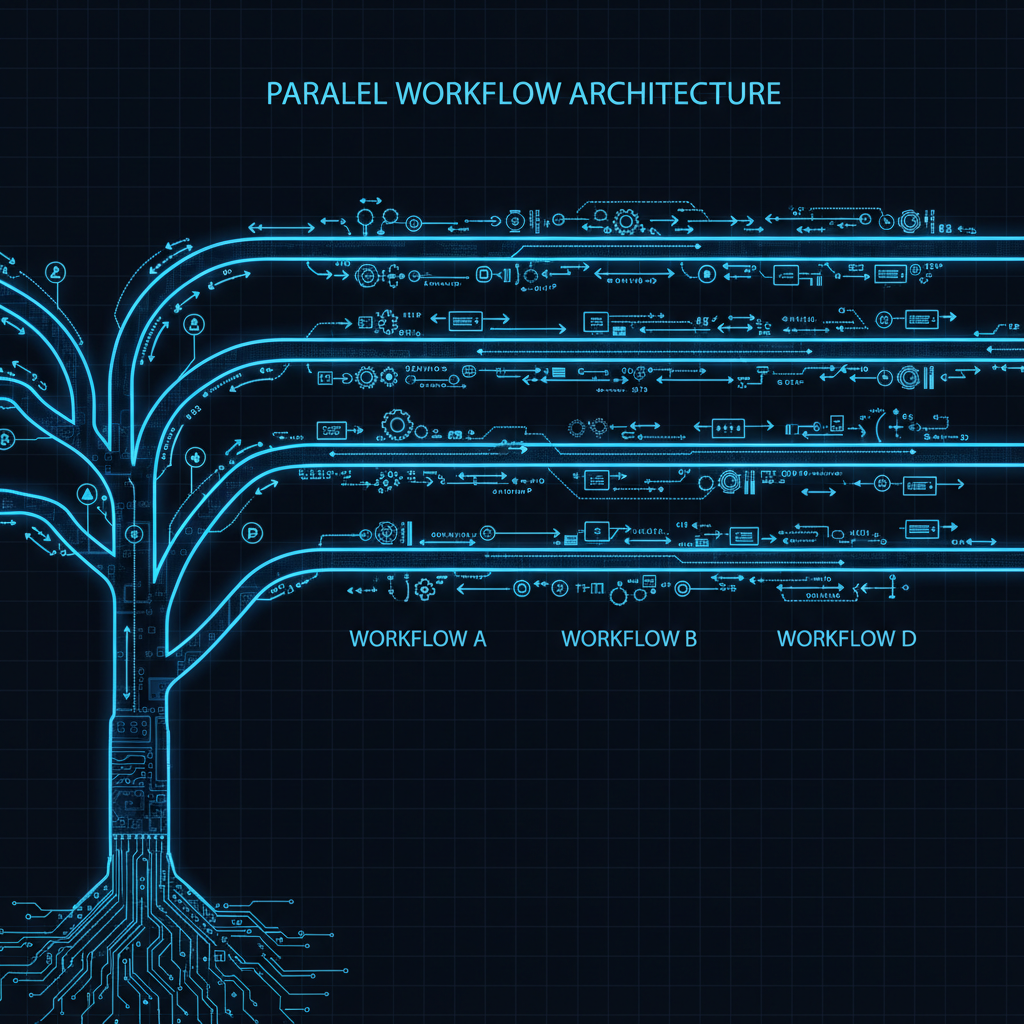
You’re deep in a feature branch with uncommitted changes, half-written code, and tests not passing yet. Then: “Hey, can you review this PR real quick?” or “There’s a critical bug in prod!”

Three options: copy the directory, clone the repo again, or use git worktree.

Option 1: Copy the Directory

cp -r myproject myproject-feature
cd myproject-feature
git checkout feature/new-api

Each copy has its own .git directory. That’s 500MB+ duplicated per copy. git fetch in one doesn’t update the others. Disk usage explodes.

[Read more]

Happy Hashes: Know What’s Actually Running in Production

Happy Hashes: Know What's Actually Running in Production

“It works on my machine.” “I thought we deployed that fix.” “Which commit is in prod?” “Is staging up to date?”

Version tags like v1.2.3 can point to multiple commits. Tags move. Tags get retagged. Git hashes don’t. Same hash equals identical code, guaranteed. Cryptographic proof.

The solution: Every service exposes a /version endpoint returning its git hash. Instantly verify what’s deployed.

Backend: Capture Hash at Build Time

Docker images don’t contain .git directories. Capture the hash during build and bake it into the image:

[Read more]

Building Confidence Through Safety Nets with Git Reflog

Building Confidence Through Safety Nets with Git Reflog

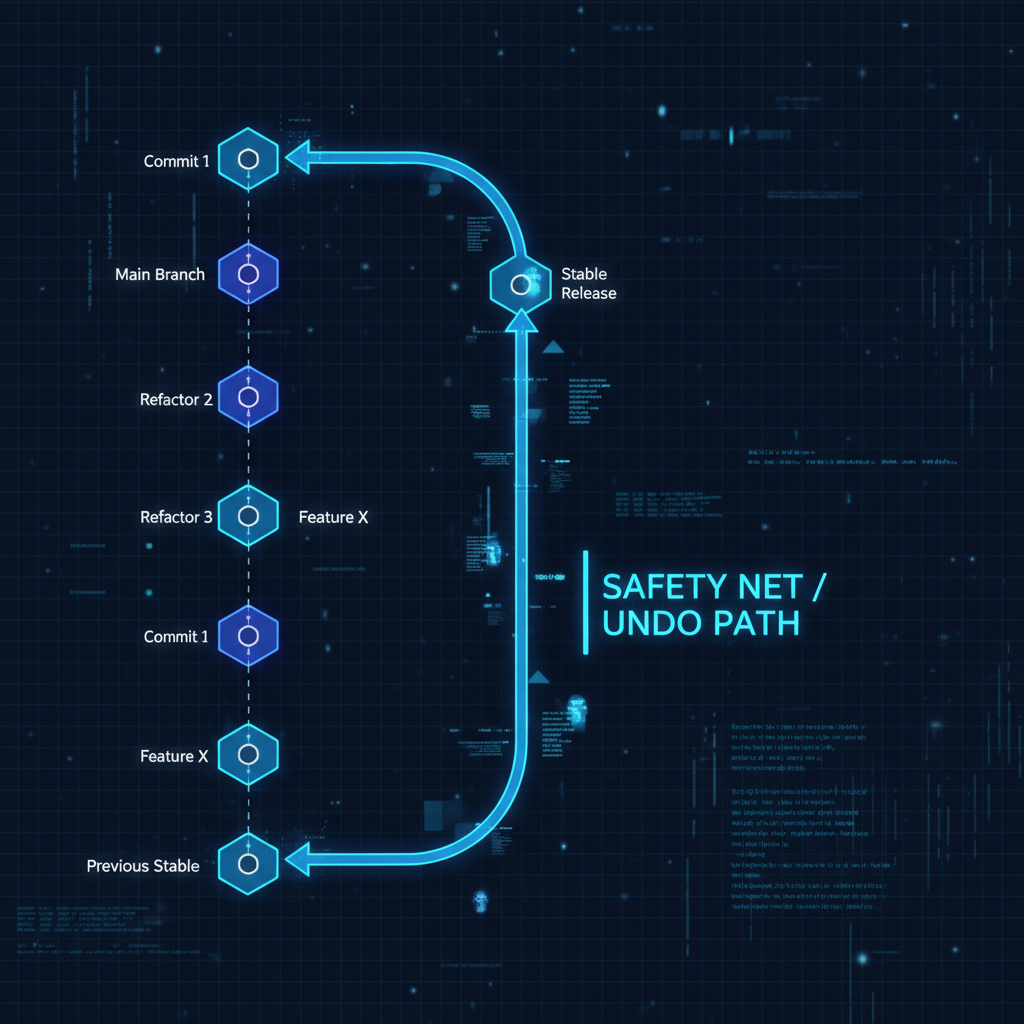
Developers often hesitate to experiment with Git operations because they fear irreversible mistakes. This hesitation slows down development and prevents teams from fully leveraging Git’s capabilities. The solution isn’t to be more careful—it’s to understand and use git reflog as a fundamental safety mechanism.

Understanding Git Reflog’s Role in Development Workflows

git reflog maintains a local history of every reference update in your repository. This includes commits, checkouts, resets, and rebases—essentially every action that moves HEAD or updates branch pointers. This reference log acts as a recovery mechanism, allowing you to restore your repository to any previous state within the reflog’s retention window (typically 90 days for reachable commits).

[Read more]