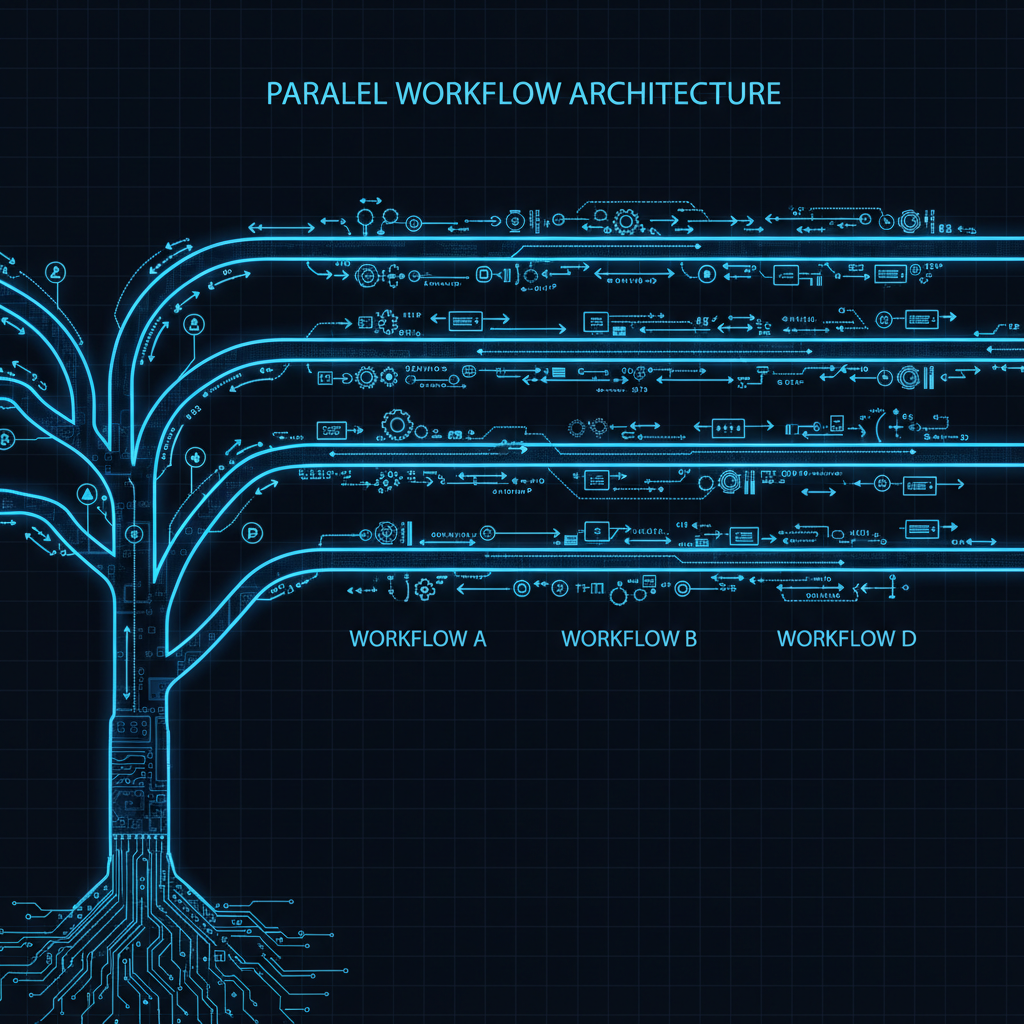
Posts for: #Developer-Productivity

Testing AI Systems: Beyond Unit Tests

Testing AI Systems: Beyond Unit Tests

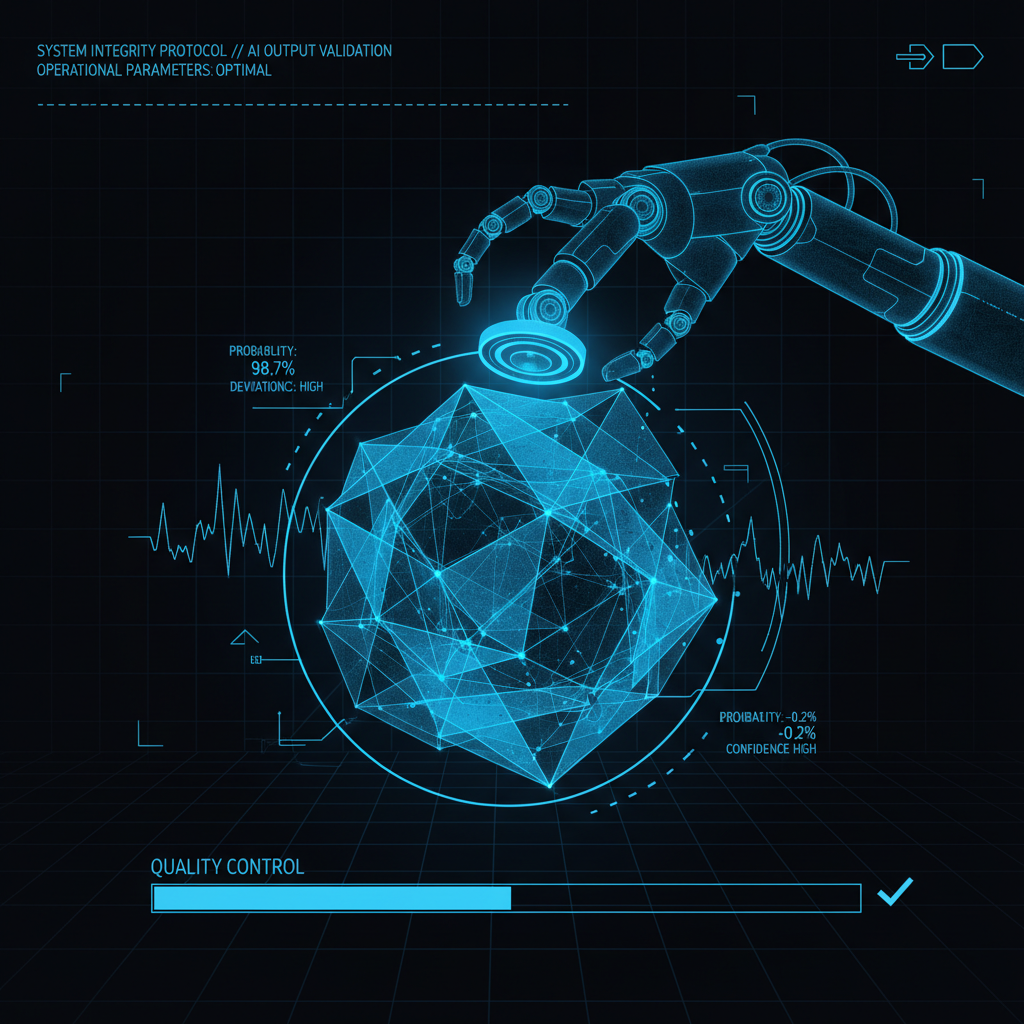
Unit tests verify deterministic behavior. AI systems are probabilistic. Traditional assertions fail when correct outputs vary. “Generate a product description” has infinite valid responses.

Testing AI requires different approaches. Behavioral verification over exact matching. Property-based testing over example-based. Visual validation for UI outputs. Integration testing across the entire pipeline.

Testing Model Outputs

Problem: Non-Deterministic Results

# This test will fail randomly
def test_generate_description():
    description = model.generate("laptop")
    assert description == "A portable computer for work and entertainment"
    # Fails when model outputs equally valid: "Lightweight computing device for productivity"

Solution: Property Testing
[Read more]

direnv: Tree-Based Environment State for Your Terminal

direnv: Tree-Based Environment State for Your Terminal

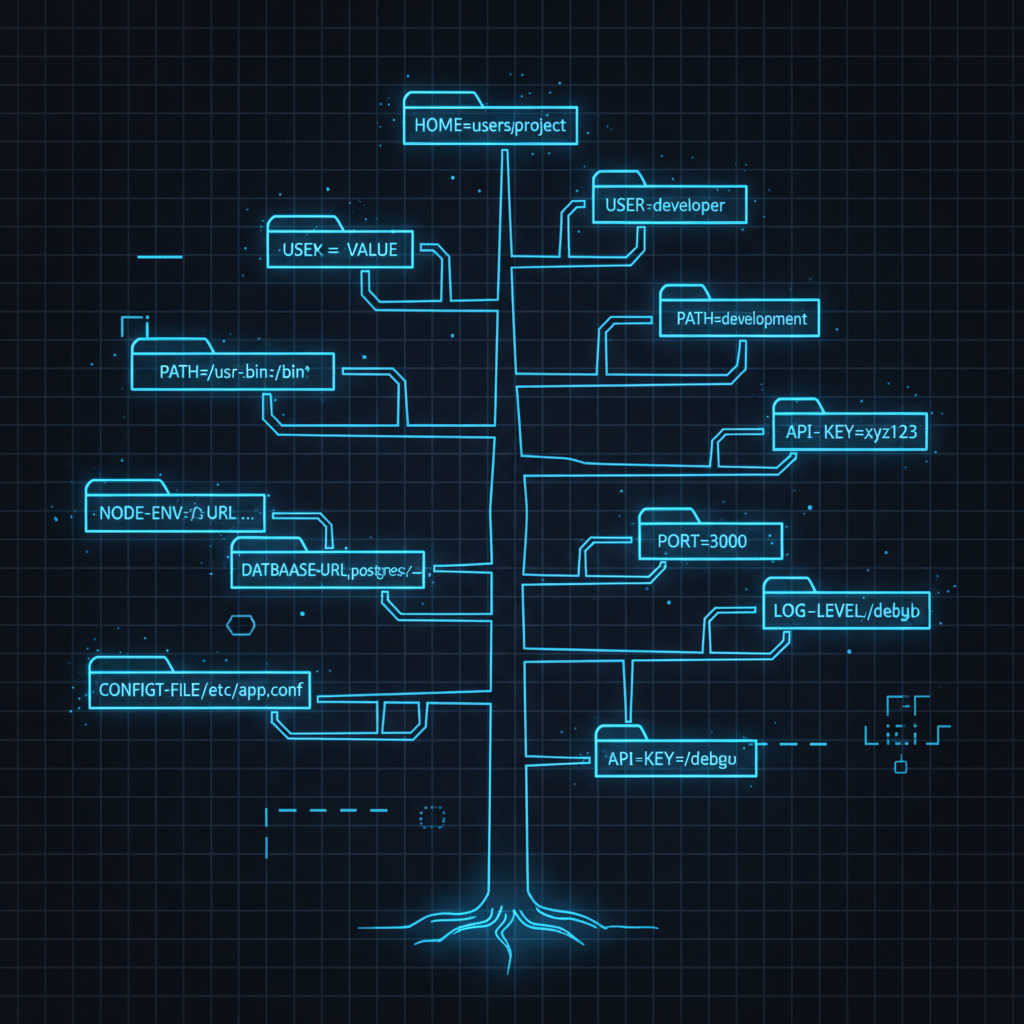
Every project needs different environment variables. GitHub credentials for personal projects. GitHub Enterprise for work. Different AWS profiles. Different API keys. Different Node.js versions.

The traditional approach: manually export variables, or source project-specific shell scripts, or maintain complex .zshrc configurations that load everything globally.

direnv automates this. Drop a .envrc file in any directory. direnv loads it when you cd in, unloads it when you cd out. Tree-based: child directories inherit parent .envrc settings. Works with any shell.

[Read more]

Git Worktree: Multitasking Without the Context Switching Tax

Git Worktree: Multitasking Without the Context Switching Tax

You’re deep in a feature branch with uncommitted changes, half-written code, and tests not passing yet. Then: “Hey, can you review this PR real quick?” or “There’s a critical bug in prod!”

Three options: copy the directory, clone the repo again, or use git worktree.

Option 1: Copy the Directory

cp -r myproject myproject-feature
cd myproject-feature
git checkout feature/new-api

Each copy has its own .git directory. That’s 500MB+ duplicated per copy. git fetch in one doesn’t update the others. Disk usage explodes.

[Read more]

Clarity: AI-Powered Team Transparency Through Text

Clarity: AI-Powered Team Transparency Through Text

Distributed teams lose visibility into what everyone is doing. Managers interrupt with status requests. Developers context-switch to update multiple systems. Jira tickets don’t reflect reality. Confluence pages go stale. Git commits tell part of the story.

Clarity solves this by using AI to synthesize status from all these sources into readable text that humans actually want to read.

The Architecture

Model Context Protocol (MCP) servers pull data from Jira, Confluence, and Git into a shared context window. AI processes this nightly, generating personalized daily status reports in Markdown. Each team member reviews their pre-baked summary via chat, CLI, or any text interface. Management gets real-time access to these reports and generated dashboards.

[Read more]

FFWF: Fast Fuzzy Window Finder for macOS

FFWF: Fast Fuzzy Window Finder for macOS

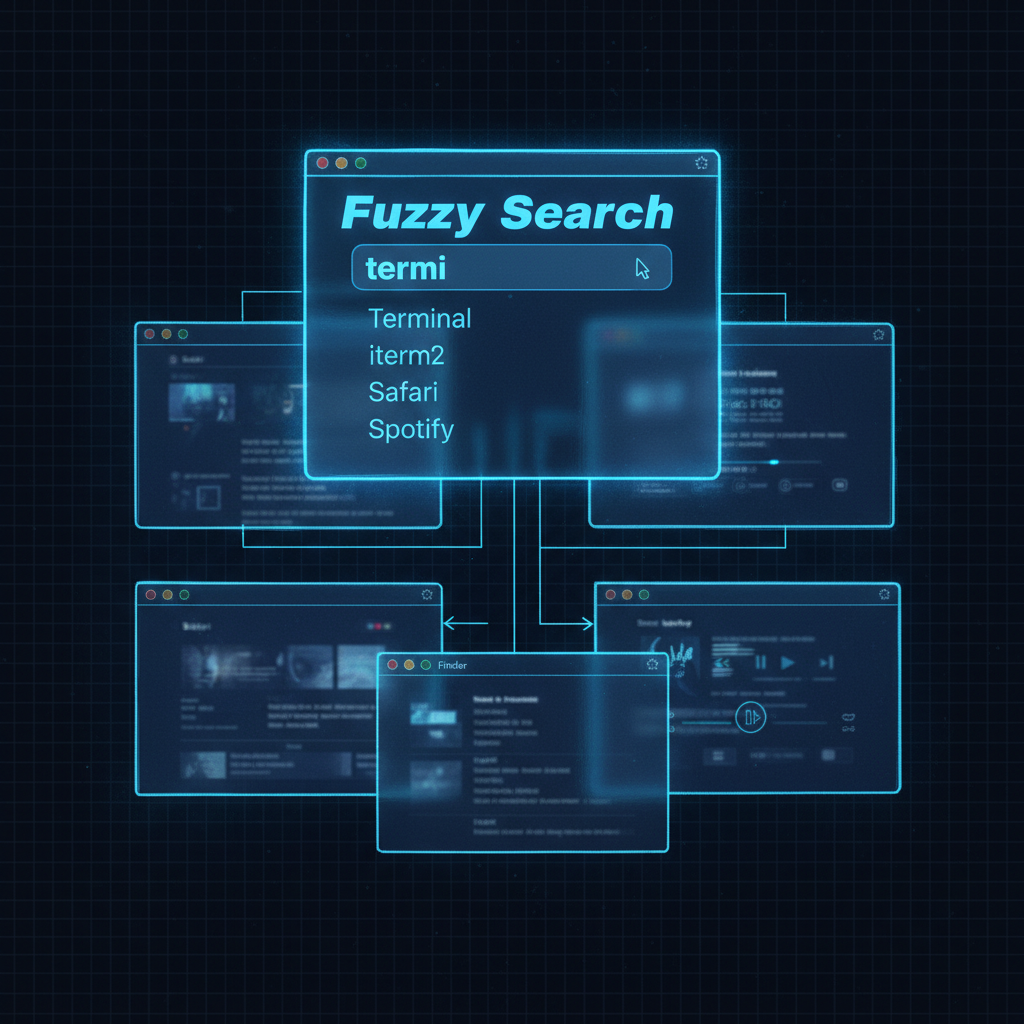
macOS has a built-in window switcher (Control+F4). It’s two steps: activate the list, then select a window. It has no memory of what you searched for last. Every time you switch, you start from scratch.

FFWF (Fast Fuzzy Window Finder) solves this. Menu bar app with global hotkey. Type to fuzzy filter windows by title. Windows stay visible in the list. Use arrow keys to select. Hit Enter. Done. Remembers your last search. Works with VoiceOver.

[Read more]