Monitoring File Handles with 1975 Technology
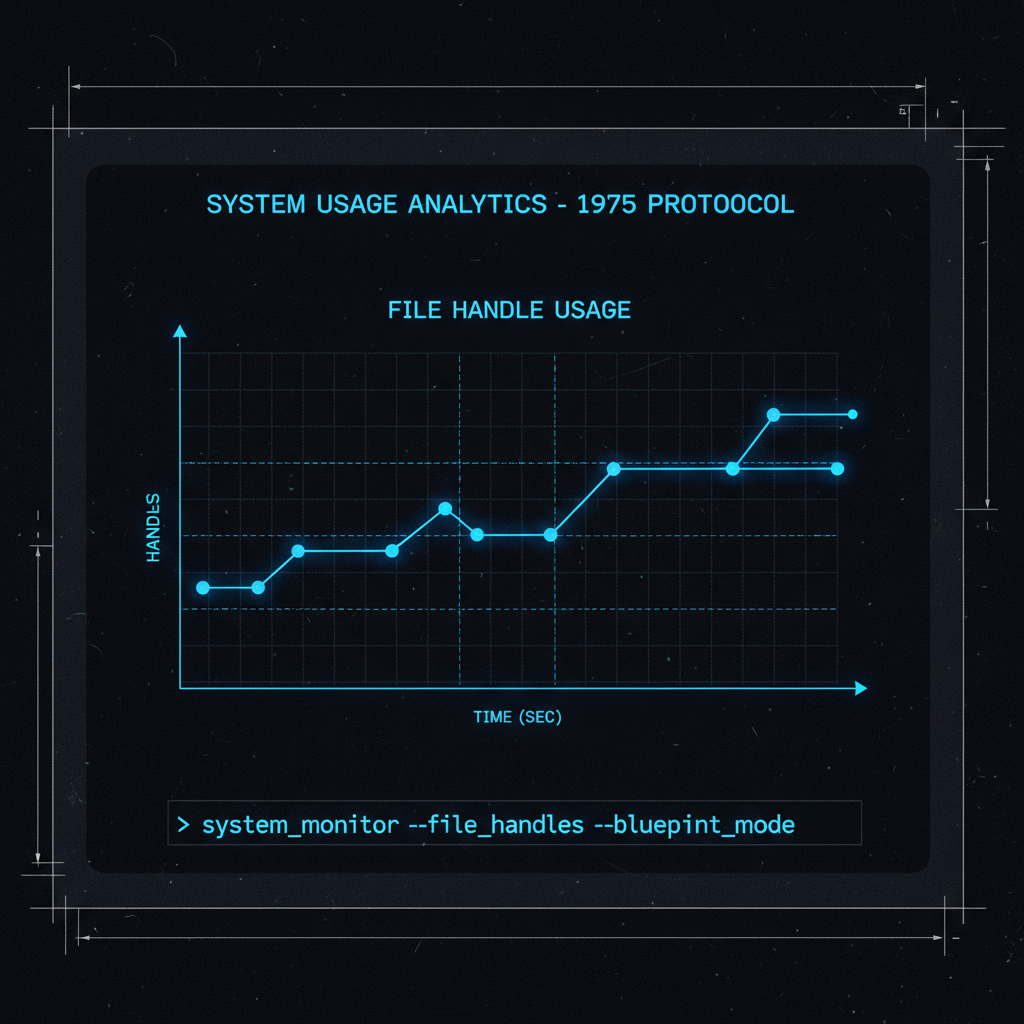
Your process is leaking file handles. You need to track which processes are consuming handles over time, spot anomalies, and correlate with system behavior. Modern observability platforms want you to install 200MB Docker images, connect to cloud services, and pay subscription fees.
Or you could use six shell scripts totaling 150 lines.
The Tools#
collect - Sample file handle counts every 5 minutes
avg - Calculate statistics (count, average, min, max)
graph - ASCII chart of handle counts over time
spikes - Find anomalies (2x average or custom threshold)
top - Show processes by handle consumption
timeline - Aggregate by time buckets (hourly, daily)
All built with sh, awk, grep, sort, cut, and date. If it worked on a PDP-11 in 1975, it works here.
Installation#
chmod +x collect graph avg spikes top timeline
Add to crontab (every 5 minutes):
*/5 * * * * /path/to/graph-handles/collect >> /path/to/handles.csv
Data Format#
CSV with timestamp, datetime, total handles, process name, process handles:
1765595495,2025-12-12 22:11:35,20100,com.apple,860
1765595495,2025-12-12 22:11:35,20100,Stream,631
1765595495,2025-12-12 22:11:35,20100,Spotify,615
1765595495,2025-12-12 22:11:35,20100,MTLCompil,602
1765595495,2025-12-12 22:11:35,20100,Discord,471
Basic Usage#
Calculate statistics:
$ cat handles.csv | ./avg 5
Count: 80
Average: 403.24
Min: 220
Max: 860
Sum: 32259
Graph a specific process:
$ grep "Spotify" handles.csv | ./graph 5 60
2025-12-12 22:11:35 ####################################### 615
2025-12-12 22:12:19 ######################################## 617
2025-12-12 22:12:21 ####################################### 614
2025-12-12 22:12:24 ####################################### 614

Max: 617
Find spikes (2x average):
$ cat handles.csv | ./spikes 5 2
2025-12-12 22:11:35: 860 (2.1x avg)
2025-12-12 22:12:19: 631 (2.0x avg)
Top processes by handles:
$ cat handles.csv | ./top 5 5
1765595544,2025-12-12 22:12:24,20073,com.apple,860
1765595541,2025-12-12 22:12:21,20076,com.apple,860
1765595539,2025-12-12 22:12:19,20081,com.apple,860
1765595495,2025-12-12 22:11:35,20100,com.apple,860
1765595544,2025-12-12 22:12:24,20073,Stream,631
Hourly timeline:
$ cat handles.csv | ./timeline 5 60
2025-12-12 22:00,32259,403
Composability: The Unix Way#
Each tool outputs CSV. Pipe them together:
# Show graph of top process
cat handles.csv | ./top 5 1 | ./graph 5

# Find what spiked and graph it
proc=$(cat handles.csv | ./spikes 5 3 | head -1 | cut -d: -f1)
grep "$proc" handles.csv | ./graph 5

# Hourly timeline of total handles
cat handles.csv | ./timeline 3 60 | ./graph 3
Example output:
$ grep "com.apple" handles.csv | ./graph 5 40
2025-12-12 22:11:35 ######################################## 860
2025-12-12 22:12:19 ######################################## 860
2025-12-12 22:12:21 ######################################## 860
2025-12-12 22:12:24 ######################################## 860

Max: 860
Building On Top#
These tools output text. Any tool from the last 50 years can process it.
Alert on spikes:
cat handles.csv | ./spikes 5 3 | \
  mail -s "File handle spike detected" ops@example.com
Feed into gnuplot:
cat handles.csv | ./timeline 5 60 | \
  awk -F, '{print $1,$3}' | gnuplot -e "plot '-' with lines"
Convert to JSON:
cat handles.csv | ./top 5 10 | \
  awk -F, '{printf "{\"time\":\"%s\",\"proc\":\"%s\",\"handles\":%d}\n",$2,$4,$5}'
Store in SQLite:
cat handles.csv | while IFS=, read ts dt tot proc cnt; do
  sqlite3 metrics.db "INSERT INTO handles VALUES($ts,'$proc',$cnt)"
done
Custom Analysis#
Find processes that grew over time:
awk -F, '{
  if (!start[$4]) start[$4] = $5
  end[$4] = $5
}
END {
  for (p in start) {
    growth = end[p] - start[p]
    if (growth > 100) printf "%s: +%d\n", p, growth
  }
}' handles.csv
Calculate rate of change:
awk -F, '{
  if (last[$4]) {
    rate = ($5 - last[$4]) / ($1 - lasttime[$4])
    if (rate > 1) printf "%s: %.2f handles/sec\n", $4, rate
  }
  last[$4] = $5
  lasttime[$4] = $1
}' handles.csv
Correlate with memory usage:
join -t, <(./collect | sort -t, -k4) \
         <(ps aux | awk '{print $11","$4}' | sort -t, -k1)
Watch for leaks in real-time:
watch -n 5 "cat handles.csv | ./timeline 5 5 | tail -10 | ./graph 2 60"
The possibilities are endless because it’s just text.
Implementation: 150 Lines Total#
The graph script shows the entire approach:
#!/bin/sh
# graph - Display ASCII graph of handle counts

if [ $# -lt 1 ]; then
    echo "Usage: cat handles.csv | ./graph <handle_column> [width]"
    exit 1
fi

col=$1
width=${2:-60}

awk -F, -v col="$col" -v width="$width" '
BEGIN { max = 0 }
{
    handles = $col
    datetime = $2
    if (handles > max) max = handles
    data[NR] = handles
    time[NR] = datetime
}
END {
    for (i = 1; i <= NR; i++) {
        bars = int(data[i] / max * width)
        printf "%s ", time[i]
        for (j = 0; j < bars; j++) printf "#"
        printf " %d\n", data[i]
    }
    printf "\nMax: %d\n", max
}
'
That’s it. Read CSV, calculate max, print bars. Thirty lines.
Why This Approach Works#
No Dependencies: Ships with every Unix system since the 70s.
No Installation: Six shell scripts. Make them executable. Done.
No Maintenance: These tools haven’t changed behavior in 50 years. They won’t break.
No Vendor Lock-in: Your data is CSV in a file. Use any tool. Move anywhere.
Infinite Extensibility: Need a feature? Write 10 lines of awk. Don’t like awk? Use Python/Go/anything that reads stdin.
Composability: Each tool does one thing. Combine them for complex analysis. This is the Unix philosophy in practice.
Contrast with Modern Observability#
Modern Platform:
- Install agent (200MB)
- Configure collector
- Connect to cloud service
- Pay per metric
- Wait for data to sync
- Use their query language
- Hope their graphs show what you need
- Pray they don’t deprecate your dashboard
graph-handles:
- Six shell scripts (6KB)
- Cron job
- Data stays local (CSV file)
- Free
- Immediate results
- Use any tool (awk, grep, whatever)
- Build exactly the graph you need
- Will work in 2075
When to Use This Approach#
Use graph-handles when:
- You need quick visibility into file handle behavior
- You want local control of your monitoring data
- You’re debugging a specific issue, not building permanent infrastructure
- You value simplicity over features
- You want to learn Unix tools deeply
Use a platform when:
- You’re monitoring hundreds of servers
- You need long-term retention (years)
- You want team collaboration on dashboards
- You need alerting integrations
- Compliance requires centralized logging
Both approaches have their place. This article focuses on the former: quick, local, powerful.
The Deeper Point#
Each tool in graph-handles does ONE thing:
collect- Sample handlesavg- Calculate statisticsgraph- Display ASCII chartsspikes- Find anomaliestop- Rank by usagetimeline- Aggregate by time
Compose them to create ANY analysis. This is composability.
Modern platforms do everything in one tool. When they don’t do what you need, you’re stuck. When Unix tools don’t do what you need, you pipe in another tool or write 10 lines of awk.
This is why Unix won. This is why text streams matter. This is why pipes are genius.
Fifty years later, the approach still works. Another fifty years from now, it still will.
Related Tools#
The Unix philosophy of composable tools applies broadly. For log analysis patterns, see classic Linux commands. For terminal proficiency in AI systems, see Terminal Reloaded.
Source#
Available at github.com/robertmeta/graph-handles under MIT license.