Git Worktree: Multitasking Without the Context Switching Tax
You’re deep in a feature branch with uncommitted changes, half-written code, and tests not passing yet. Then: “Hey, can you review this PR real quick?” or “There’s a critical bug in prod!”
Three options: copy the directory, clone the repo again, or use git worktree.
Option 1: Copy the Directory#
cp -r myproject myproject-feature
cd myproject-feature
git checkout feature/new-api
Each copy has its own .git directory. That’s 500MB+ duplicated per copy. git fetch in one doesn’t update the others. Disk usage explodes.
myproject/.git          # 500MB
myproject-feature/.git  # 500MB (duplicate!)
myproject-review/.git   # 500MB (duplicate!)

Total: 1.5GB for what should be one repo
Option 2: Multiple Clones#
git clone git@github.com:user/repo.git myproject
git clone git@github.com:user/repo.git myproject-feature
git clone git@github.com:user/repo.git myproject-review
Same duplication. Three .git directories. Three sets of objects, refs, and history. Commits in one don’t appear in others until pushed to remote and fetched. Constant syncing through remote server.
Option 3: Git Worktree#
git worktree add ../myproject-feature feature/new-api
git worktree add ../myproject-review main
One .git directory shared across all worktrees. git fetch in any worktree updates all of them. Commits immediately visible across worktrees.
myproject/.git              # 500MB
myproject-feature/.git      # 1KB (link to myproject/.git)
myproject-review/.git       # 1KB (link to myproject/.git)

Total: 500MB + working directory files
Savings: 70% less disk space
What Are Worktrees?#
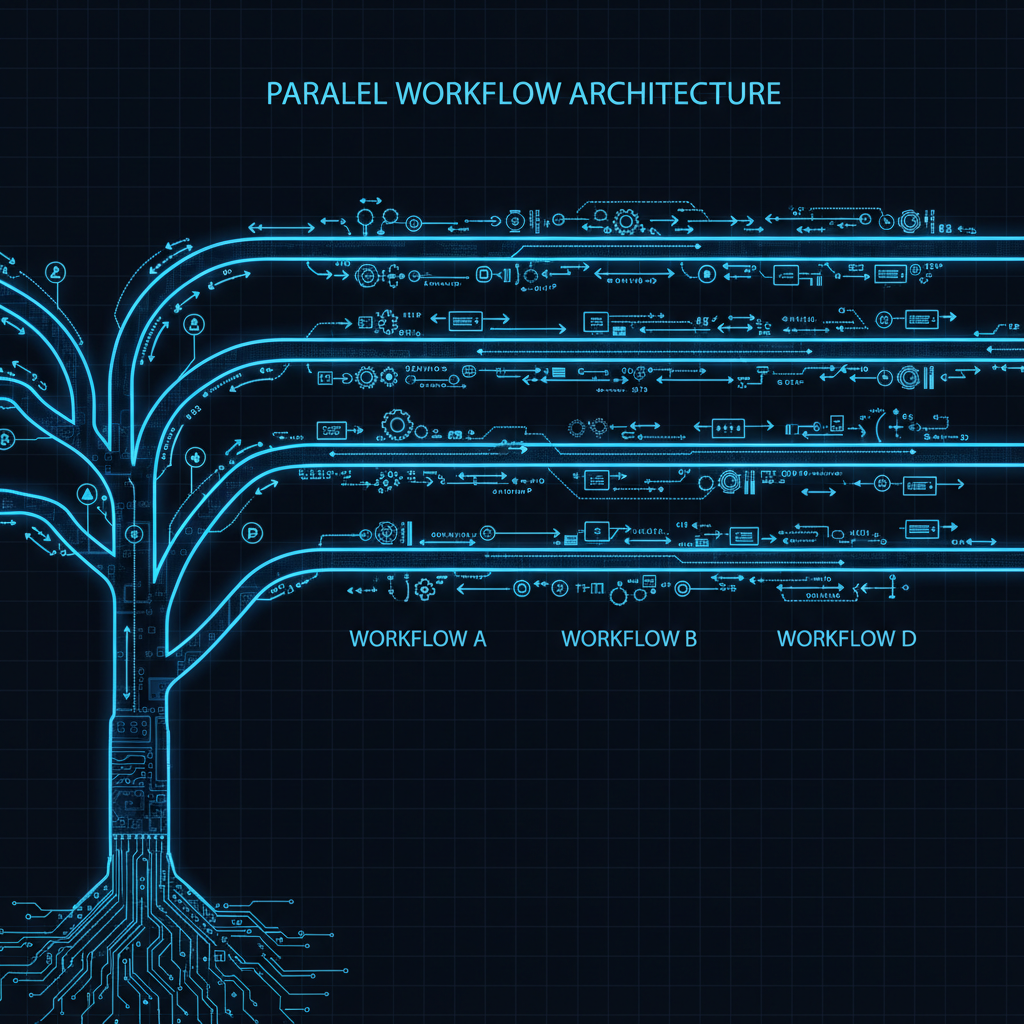
One repository, multiple working directories. Each directory checks out a different branch. No stashing. No switching. Just cd.
myproject/           # main branch, always clean
myproject-feature/   # your feature branch
myproject-review/    # PR reviews
myproject-hotfix/    # emergency fixes
All four share the same .git database. Same repo, different checkouts.
Synchronization Comparison#
New commits pushed to remote:
Copies or multiple clones:
cd myproject && git pull
cd ../myproject-feature && git pull
cd ../myproject-review && git pull
Three separate pulls. Three network requests.
Worktrees:
cd myproject && git fetch
# All worktrees now see the new commits
One fetch. Shared across all worktrees. refs update everywhere.
Basic Operations#
Create a worktree:
# From existing branch
git worktree add ../myproject-feature feature/new-api

# Create new branch AND worktree
git worktree add -b feature/new-api ../myproject-feature

# From specific commit
git worktree add ../myproject-investigate a1b2c3d

# Detached HEAD for exploration
git worktree add --detach ../myproject-explore HEAD~10
List your worktrees:
$ git worktree list
/home/user/myproject          a1b2c3d [main]
/home/user/myproject-feature  d4e5f6g [feature/new-api]
/home/user/myproject-hotfix   h7i8j9k [hotfix/critical]
Remove when done:
git worktree remove ../myproject-feature
PR Review Workflow#
Create a dedicated review worktree once:
git worktree add ../myproject-review main
When a PR comes in:
cd ../myproject-review
git fetch origin
git checkout origin/pr-branch

# Review, test, comment
npm test
npm run lint

# Done? Reset to main or leave it
git checkout main
Your feature branch in ../myproject-feature? Completely untouched.
Hotfix Under Pressure#
Production is down. You need to fix it now:
# Create hotfix worktree from main
git worktree add -b hotfix/critical-fix ../myproject-hotfix main

cd ../myproject-hotfix

# Fix the bug
vim src/critical.py
npm test

# Commit and push
git add -A
git commit -m "Fix critical bug"
git push -u origin hotfix/critical-fix

# Create PR, merge, deploy

# Clean up
cd ../myproject
git worktree remove ../myproject-hotfix
Your feature work? Never touched. No stashing, no conflicts, no reinstalling dependencies.
Running Multiple Versions Simultaneously#
Each worktree has its own node_modules, virtual environments, and build artifacts. You can run them in parallel:
# Terminal 1
cd ~/projects/api-feature
npm run dev -- --port 3001

# Terminal 2
cd ~/projects/api
npm run dev -- --port 3000
Compare behavior side by side in your browser. Test migrations. Verify refactors. All from the same repository.
Shared Git State#
All worktrees share the same Git database:
git fetchin any worktree updates all worktrees- Commits in one worktree are immediately visible in others
- Branches, tags, and remotes are shared
- Only the working directory is separate
Copies and clones don’t share state. Commits exist only in their local .git until pushed to remote. Worktrees see commits immediately in the shared .git.
The One Rule#
Each branch can only be checked out in one worktree at a time:
$ git worktree add ../myproject-feature2 feature/new-api

fatal: 'feature/new-api' is already checked out at
       '/home/user/projects/myproject-feature'
This is a good thing. It prevents you from making conflicting changes to the same branch in multiple places.
Copies and clones don’t prevent this. You can have the same branch checked out everywhere, making conflicting changes, creating merge nightmares.
IDE Integration#
Each worktree is just a folder. Open each as a separate workspace in VS Code or your editor of choice. Each gets its own terminal sessions, debug configurations, and Git state in the sidebar.
In Emacs with magit and projectile, each worktree appears as a separate project. Use C-c p p to switch between them.
Common Patterns#
Stable + Feature:
api/          → main (always deployable)
api-feature/  → current feature branch
Review Rotation:
api/          → main
api-review/   → whatever PR you're reviewing
Version Comparison:
api/          → main
api-v1/       → v1.0.0 tag
api-v2/       → v2.0.0 tag
Bisect Investigation:
api/          → main
api-bisect/   → detached HEAD for git bisect
Helper Script#
#!/bin/bash
# ~/.local/bin/worktree-new
# Usage: worktree-new feature/my-feature

BRANCH=$1
REPO_NAME=$(basename $(git rev-parse --show-toplevel))
PARENT_DIR=$(dirname $(git rev-parse --show-toplevel))
WORKTREE_DIR="${PARENT_DIR}/${REPO_NAME}-$(echo $BRANCH | tr '/' '-')"

git worktree add -b "$BRANCH" "$WORKTREE_DIR" main
cd "$WORKTREE_DIR"

echo "Created worktree at $WORKTREE_DIR"
$ worktree-new feature/user-auth
Created worktree at /home/user/projects/api-feature-user-auth
When to Use Each Approach#
Use worktrees when:
- Multiple active branches of same repo
- Need to save disk space (70% savings)
- Want fast sync with remote (one fetch)
- Need to prevent conflicting changes (enforced)
Use multiple clones when:
- Different repositories entirely
- Sharing code with others who need separate copies
Use copies when:
- Never (worktrees or clones are always better)
Use git stash when:
- Just need temporary second checkout
- Quick switch, coming right back
Gotchas#
Disk space: Each worktree has its own node_modules or virtual environment. Can add up. Clean up old worktrees regularly.
Directory confusion: Use a shell prompt that shows the current Git branch or directory name.
Submodules: Need to be initialized per worktree with git submodule update --init.
Before and After#
Before (stash dance):
git stashgit checkout other-branch- Wait for dependencies to reinstall
- Do work
git checkout original-branch- Wait for dependencies again
git stash pop- Hope nothing conflicts
Time: 5-10 minutes. Mental overhead: High.
After (worktrees):
cd ../myproject-other
Time: 1 second. Mental overhead: Zero.
Quick Reference#
git worktree add <path> <branch>     # Create worktree
git worktree add -b <branch> <path>  # Create branch + worktree
git worktree list                    # List all
git worktree remove <path>           # Remove worktree
git worktree prune                   # Clean up stale references
Worktrees combined with Git reflog provide the ultimate safety net. Reflog tracks all changes across all worktrees sharing the same repository, letting you recover from mistakes in any worktree instantly.