Building Confidence Through Safety Nets with Git Reflog
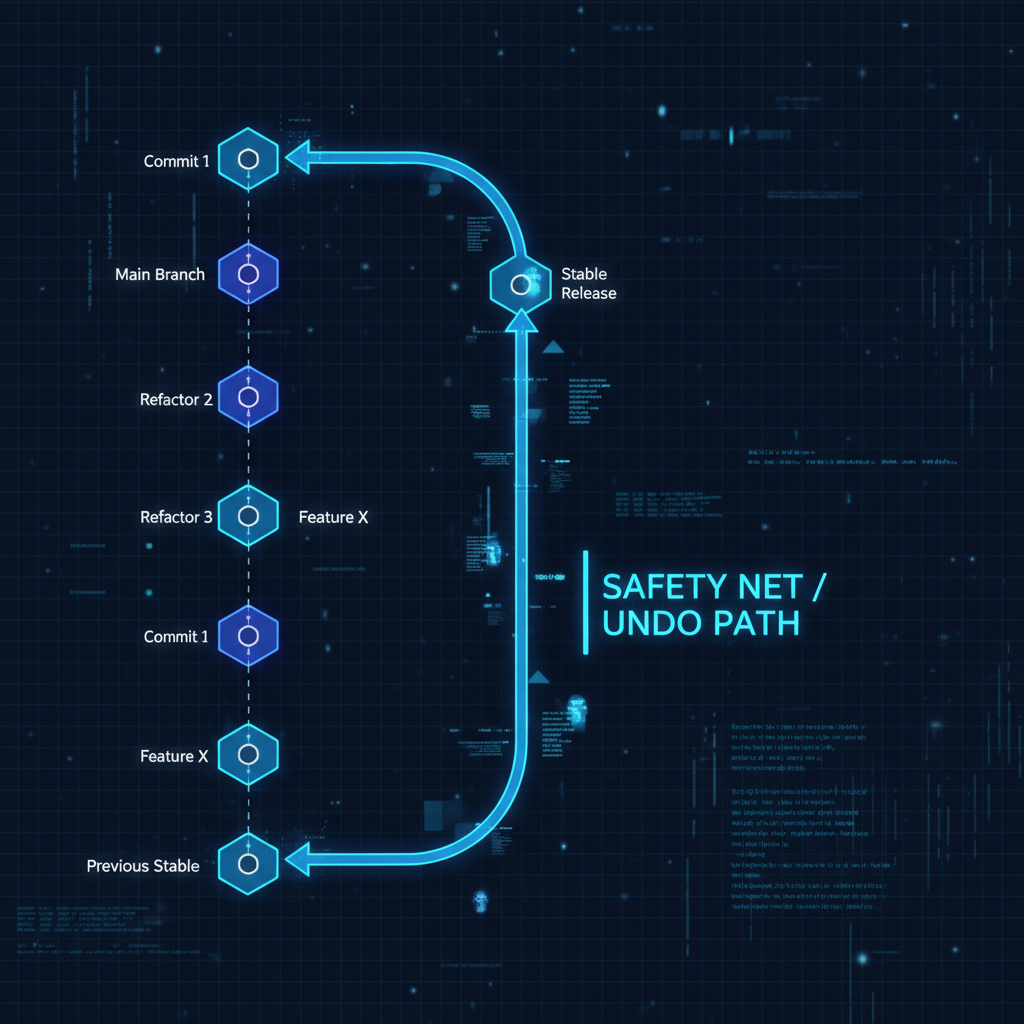
Developers often hesitate to experiment with Git operations because they fear irreversible mistakes. This hesitation slows down development and prevents teams from fully leveraging Git’s capabilities. The solution isn’t to be more careful—it’s to understand and use git reflog as a fundamental safety mechanism.
Understanding Git Reflog’s Role in Development Workflows#
git reflog maintains a local history of every reference update in your repository. This includes commits, checkouts, resets, and rebases—essentially every action that moves HEAD or updates branch pointers. This reference log acts as a recovery mechanism, allowing you to restore your repository to any previous state within the reflog’s retention window (typically 90 days for reachable commits).
When you’re working on complex rebases, experimental features, or repository restructuring, git reflog provides the confidence to proceed aggressively. If an operation produces unexpected results, you can always return to a known-good state. This fundamentally changes the risk calculation for development operations.
Practical Recovery Scenarios#
Let me walk through the most common recovery patterns I’ve used in production environments.
Recovering from Failed Experiments#
When testing a new feature or refactoring approach, you can work freely knowing you have a clear rollback path:
git reflog
git reset --hard HEAD@{n}  # Return to the state before the experiment began
The HEAD@{n} syntax references your repository’s nth previous state. Run git reflog to see the numbered list of all recent states.
Restoring Accidentally Deleted Branches#
Branch deletion is a recoverable operation when you understand reflog mechanics:
git reflog
git branch recovery-branch HEAD@{n}  # Recreate the branch at its last known position
Even after running git branch -D, the commits remain in your reflog until they’re garbage collected. This gives you a substantial recovery window.
Rolling Back Complex Rebases#
Interactive rebases can occasionally produce unexpected results, particularly when dealing with merge conflicts across multiple commits:
git reflog
git reset --hard HEAD@{n}  # Return to pre-rebase state
This approach is especially valuable when a rebase introduces subtle bugs that aren’t immediately apparent.
Integrating Reflog into Development Practice#
The key insight about git reflog is that it’s not an emergency tool—it’s a development enabler. When teams understand they can safely experiment and recover, they make bolder architectural decisions and iterate more quickly.
I recommend making git reflog review a standard part of your workflow after any complex Git operation. This builds familiarity with the tool and reinforces the mental model of Git as a recoverable state machine rather than a fragile linear history.
Building Confidence in Production Workflows#
In production environments where development velocity matters, the ability to experiment without fear of permanent mistakes changes how teams work. git reflog provides this safety net, enabling teams to:
- Test complex rebases before merging to main branches
- Experiment with different commit organization strategies
- Recover quickly from accidental operations during high-pressure deploys
- Refactor repository history without risking data loss
Understanding git reflog transforms Git from a tool that requires cautious interaction into a system that supports aggressive experimentation. This shift in mindset—from “avoid mistakes” to “recover quickly”—accelerates development and improves code quality through more fearless refactoring.
When combined with Git worktrees for parallel work on multiple branches, reflog becomes even more powerful. You can experiment aggressively in one worktree, knowing reflog will help you recover from any mistakes across all worktrees sharing the same repository.