Build CLIs First, Wrap as MCPs Second
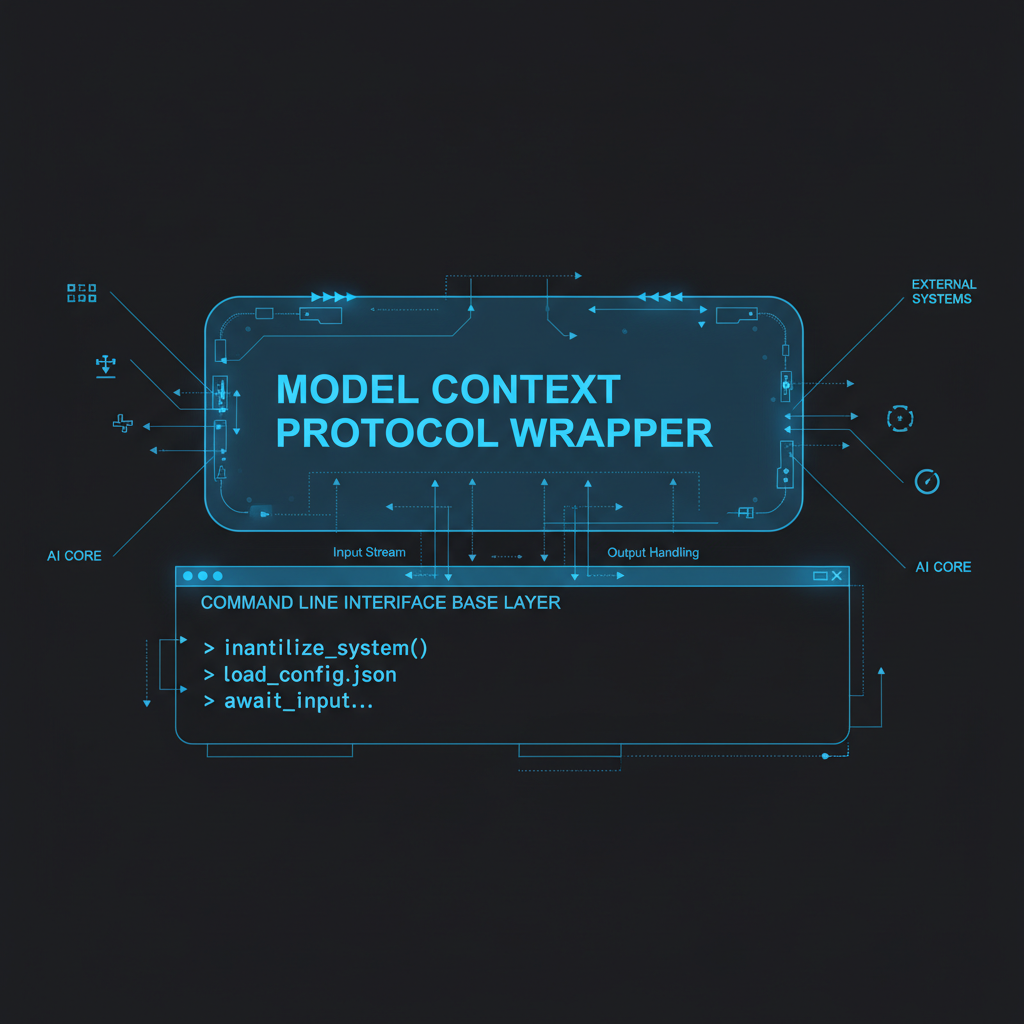
MCP (Model Context Protocol) servers give AI agents access to tools. Tempting to build MCP servers directly. Better approach: build good CLIs first, then wrap them as MCPs.
Good CLIs are multi-interface. Usable from shell. Scriptable. Composable with pipes. Testable standalone. Accessible to humans without AI. Then wrap as MCP for AI agent access.
MCP-first locks you to the MCP protocol. CLI-first gives you flexibility.
The Multi-Interface Advantage#
A good CLI like mail-app-cli works in multiple contexts:
Shell usage:
mail-app-cli messages list -a "Gmail" -m "INBOX" --unread
Script automation:
#!/bin/bash
unread=$(mail-app-cli messages list -a "Gmail" -m "INBOX" --unread | jq 'length')
if [ $unread -gt 0 ]; then
  notify-send "You have $unread unread emails"
fi
Emacs integration:
(defun check-email ()
  (interactive)
  (shell-command "mail-app-cli messages list -a Gmail -m INBOX --unread"))
MCP wrapper:
@mcp_server.tool()
def list_unread_emails(account: str, mailbox: str):
    result = subprocess.run(
        ['mail-app-cli', 'messages', 'list',
         '-a', account, '-m', mailbox, '--unread'],
        capture_output=True
    )
    return json.loads(result.stdout)
AI agent access:
# Agent uses MCP
emails = agent.use_tool("list_unread_emails",
                        account="Gmail",
                        mailbox="INBOX")
Same CLI. Five interfaces. Build once, use everywhere.
Testing Without AI#
CLI-first means testing doesn’t require AI:
# Test the CLI directly
mail-app-cli send -a "Gmail" -t "test@example.com" -s "Test" --body "Testing"
echo $?  # Check exit code

# Test with various inputs
mail-app-cli messages list -a "Gmail" -m "INBOX" --limit 1
mail-app-cli messages list -a "Gmail" -m "INBOX" --since "2025-12-01"
Works. Fails. Both testable immediately.
MCP-first requires AI to test. CLI-first works standalone.
Composability with Unix Tools#
CLIs integrate with existing ecosystem:
# Find urgent emails, extract senders, count occurrences
mail-app-cli messages list -a "Gmail" -m "INBOX" --unread | \
  jq -r '.[] | select(.subject | contains("URGENT")) | .sender' | \
  sort | uniq -c | sort -rn

# Monitor inbox, alert on VIP emails
while true; do
  mail-app-cli messages list -a "Gmail" -m "INBOX" --unread | \
    jq -r '.[] | select(.sender | contains("ceo@")) | .subject' | \
    while read subject; do
      osascript -e "display notification \"$subject\" with title \"VIP Email\""
    done
  sleep 300
done

# Archive old read messages
mail-app-cli messages list -a "Gmail" -m "INBOX" | \
  jq -r '.[] | select(.read==true and .dateSent < "2025-11-01") | .id' | \
  xargs -I {} mail-app-cli messages archive {} -a "Gmail" -m "INBOX"
MCP tools don’t compose with grep, jq, xargs. CLIs do.
Error Handling and Exit Codes#
Good CLIs follow Unix conventions:
mail-app-cli messages show 12345 -a "Gmail" -m "INBOX"
if [ $? -eq 0 ]; then
  echo "Success"
else
  echo "Failed" >&2
fi
Exit code 0 = success. Non-zero = failure. Scripts can check and react.
MCP errors are JSON responses. Harder to integrate with shell logic.
JSON Output for Structured Data#
Good CLIs output JSON for parsing:
$ mail-app-cli accounts list
[
  {
    "name": "Gmail",
    "emailAddress": "user@gmail.com",
    "enabled": true
  }
]
Pipe to jq for filtering, transformation, extraction. Standard tools work.
MCP responses are protocol-specific. Require MCP client to parse.
Examples: Good CLIs That Wrap as MCPs#
gh (GitHub CLI):
Standalone: gh pr list --state open
As MCP: GitHub MCP server wraps gh commands
mail-app-cli:
Standalone: mail-app-cli messages list
As MCP: mail-app MCP server wraps mail-app-cli
twist-cli:
Standalone: twist-cli messages list --channel general
As MCP: twist MCP server wraps twist-cli
Pattern: CLI provides functionality. MCP provides AI agent interface.
Building a CLI-First Tool#
Design principles:
- Subcommands for organization:
tool <noun> <verb>(e.g.,mail-app-cli messages list) - JSON output: Machine-readable structured data
- Unix exit codes: 0 for success, non-zero for errors
- Stdin/stdout: Accept input via stdin, output via stdout
- Clear help:
--helpon every command - No required config files: Use flags or env vars
Example structure:
mycli
├── accounts list
├── accounts show <name>
├── messages list [--unread] [--since DATE]
├── messages show <id>
├── messages send --to EMAIL --subject TEXT
└── search <query> [--limit N]
Implementation in Go:
// Using cobra for CLI framework
func init() {
    rootCmd.AddCommand(messagesCmd)
    messagesCmd.AddCommand(messagesListCmd)
    messagesCmd.AddCommand(messagesShowCmd)
}

var messagesListCmd = &cobra.Command{
    Use:   "list",
    Short: "List messages",
    Run: func(cmd *cobra.Command, args []string) {
        messages := fetchMessages()
        output, _ := json.MarshalIndent(messages, "", "  ")
        fmt.Println(string(output))
    },
}
Wrapping as MCP#
Simple wrapper around CLI:
from mcp.server import Server
import subprocess
import json

mcp = Server("mycli-mcp")

@mcp.tool()
def list_messages(account: str, mailbox: str, unread: bool = False):
    """List messages from mailbox"""

    cmd = ['mycli', 'messages', 'list', '-a', account, '-m', mailbox]
    if unread:
        cmd.append('--unread')

    result = subprocess.run(cmd, capture_output=True, text=True)

    if result.returncode != 0:
        raise Exception(f"CLI error: {result.stderr}")

    return json.loads(result.stdout)

@mcp.tool()
def send_message(account: str, to: str, subject: str, body: str):
    """Send email"""

    result = subprocess.run([
        'mycli', 'send',
        '-a', account,
        '-t', to,
        '-s', subject,
        '--body', body
    ], capture_output=True, text=True)

    if result.returncode != 0:
        raise Exception(f"CLI error: {result.stderr}")

    return {"status": "sent"}
MCP server is thin wrapper. CLI does the work.
Benefits of CLI-First Approach#
Development velocity:
Test CLI directly without AI. Faster iteration. Immediate feedback.
Debugging:
CLI fails? Run it manually. See exact error. Fix immediately.
MCP fails? Debug through AI agent. Slower feedback loop.
Human usability:
CLI remains useful without AI. Developers use it directly. Scripts use it. Emacs integrates it.
MCP-only tools require AI agent. Humans can’t access them directly.
Backwards compatibility:
MCP protocol changes? Wrapper updates. CLI unchanged. Existing scripts continue working.
Multi-agent support:
Different AI frameworks use different MCP implementations. CLI works with all of them via simple wrapper.
When MCP-First Makes Sense#
AI-specific operations:
If the tool only makes sense in AI context, build MCP directly. Example: “summarize this conversation” - no CLI equivalent.
Real-time streaming:
MCPs handle streaming better than CLIs. For operations that stream results (like LLM generation), MCP-first might be appropriate.
Stateful operations:
MCPs maintain state across calls naturally. CLIs are stateless by design. For operations requiring state, MCP might be simpler.
The Pattern in Practice#
mail-app-cli example:
CLI: 50K lines of Go. Complete interface to Mail.app.
MCP wrapper: ~200 lines of Python. Calls CLI, returns JSON.
Benefit:
- CLI usable standalone (shell, Emacs, scripts)
- MCP provides AI agent access
- Both work from same codebase
- Testing doesn’t require AI
gh example:
GitHub’s gh CLI exists. Community builds MCP wrappers. Multiple MCP implementations possible. All use same underlying CLI.
twist-cli example:
CLI for Twist API. Works standalone. Can be wrapped as MCP for AI access.
Pattern: substantial CLI, thin MCP wrapper.
Implementation Recommendation#
Step 1: Build good CLI
- Comprehensive subcommands
- JSON output
- Clear help
- Unix conventions
Step 2: Test standalone
- Shell scripts
- Manual testing
- Integration with other tools
Step 3: Wrap as MCP
- Thin wrapper calling CLI
- MCP tool definitions
- Error handling
Step 4: Use both
- Humans use CLI directly
- AI agents use MCP
- Same functionality, different interfaces
CLI-first maximizes utility. MCP wrapper adds AI access. Both remain useful.