













Projects

A selection of my favorite projects I’ve created or contributed to.

Cover image for The Three Truths of Data-Oriented Development: Lessons from Production AI Systems

The Three Truths of Data-Oriented Development: Lessons from Production AI Systems

Mike Acton’s 2014 CppCon talk on data-oriented design fundamentally changed how I approach software engineering. After building AI systems serving millions of users, these principles have proven even more critical in production environments where data volume, transformation pipelines, and hardware constraints dominate success metrics.

Rather than frame these as “lies to avoid,” I’ve found greater value in articulating them as positive truths to embrace. These three principles have guided every production system I’ve architected, particularly in AI/ML contexts where data-oriented thinking isn’t optional—it’s fundamental.
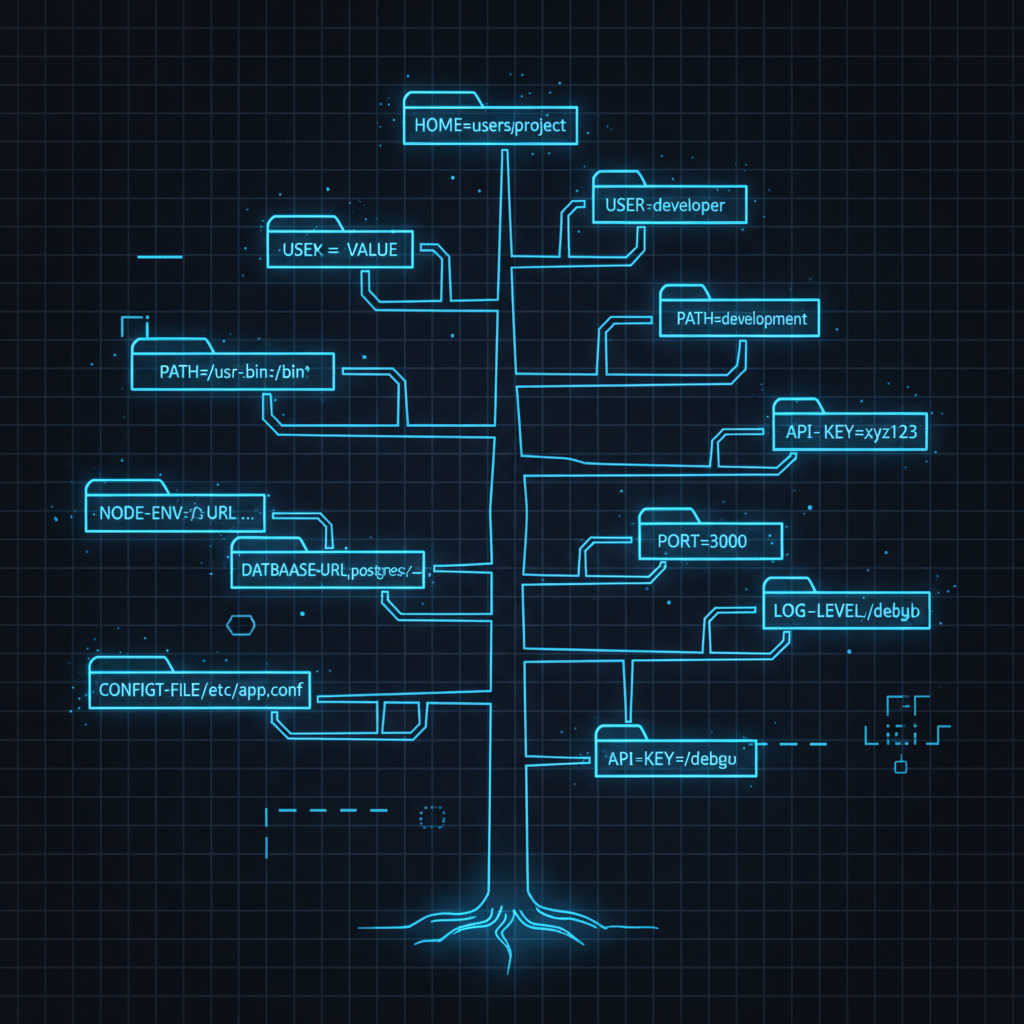

Cover image for direnv: Tree-Based Environment State for Your Terminal

direnv: Tree-Based Environment State for Your Terminal

Every project needs different environment variables. GitHub credentials for personal projects. GitHub Enterprise for work. Different AWS profiles. Different API keys. Different Node.js versions.

The traditional approach: manually export variables, or source project-specific shell scripts, or maintain complex .zshrc configurations that load everything globally.

direnv automates this. Drop a .envrc file in any directory. direnv loads it when you cd in, unloads it when you cd out. Tree-based: child directories inherit parent .envrc settings. Works with any shell.

Cover image for Feature Advertisement: Backend-Driven Frontend Adaptation

Feature Advertisement: Backend-Driven Frontend Adaptation

Hardcoded feature checks scatter across your frontend. Environment differences cause confusion. Deployments mismatch. Every new feature requires frontend updates.

The feature advertisement pattern solves this: backend advertises capabilities, frontend adapts. No feature list maintained on frontend. No environment-specific code. Just ask: “Do you have X?”

Architecture

Backend maintains a feature enum and registry. Configuration controls which features are enabled. Frontend fetches the list once at startup and checks dynamically.

┌─────────────┐  GET /api/features  ┌─────────────┐
│  Frontend   │────────────────────►│   Backend   │
│             │◄────────────────────│             │
│   Adapts    │   {features...}     │  Advertises │
└─────────────┘                     └─────────────┘

Backend: Define Features

# features.py
from enum import Enum

class Feature(str, Enum):
    ADVANCED_SEARCH = "advanced_search"
    EXPORT_PDF = "export_pdf"
    BULK_OPERATIONS = "bulk_operations"
    REAL_TIME_NOTIFICATIONS = "real_time_notifications"

Single source of truth. Backend only.

Cover image for Git Worktree: Multitasking Without the Context Switching Tax

Git Worktree: Multitasking Without the Context Switching Tax

You’re deep in a feature branch with uncommitted changes, half-written code, and tests not passing yet. Then: “Hey, can you review this PR real quick?” or “There’s a critical bug in prod!”

Three options: copy the directory, clone the repo again, or use git worktree.

Option 1: Copy the Directory

cp -r myproject myproject-feature
cd myproject-feature
git checkout feature/new-api

Each copy has its own .git directory. That’s 500MB+ duplicated per copy. git fetch in one doesn’t update the others. Disk usage explodes.

Cover image for Happy Hashes: Know What's Actually Running in Production

Happy Hashes: Know What’s Actually Running in Production

“It works on my machine.” “I thought we deployed that fix.” “Which commit is in prod?” “Is staging up to date?”

Version tags like v1.2.3 can point to multiple commits. Tags move. Tags get retagged. Git hashes don’t. Same hash equals identical code, guaranteed. Cryptographic proof.

The solution: Every service exposes a /version endpoint returning its git hash. Instantly verify what’s deployed.

Backend: Capture Hash at Build Time

Docker images don’t contain .git directories. Capture the hash during build and bake it into the image: